Barcodes for Shopee & Lazada
GTINs for Philippine marketplace sellers
Shopee and Lazada may ask for a GTIN when a seller creates or edits a product listing. In the Philippines, this is usually an EAN-13 barcode number; requirements vary by platform, category, and brand status. Barcodes Philippines supplies unique EAN-13 and UPC-A GTINs for a one-time fee, with barcode images for listings and product packaging.
Buy barcodes now GS1 vs one-time purchaseOnline marketplaces in the Philippines often ask for a GTIN (Global Trade Item Number) — usually shown as an EAN-13 or UPC barcode — when you create a product listing. This is separate from your shop SKU. A GTIN identifies the product globally so the platform, warehouses, and retail partners can track it consistently.
If you are a startup, reseller, or home-based business preparing your first listing, you need a legitimate barcode number and a scannable image on your packaging. Barcodes Philippines supplies both.
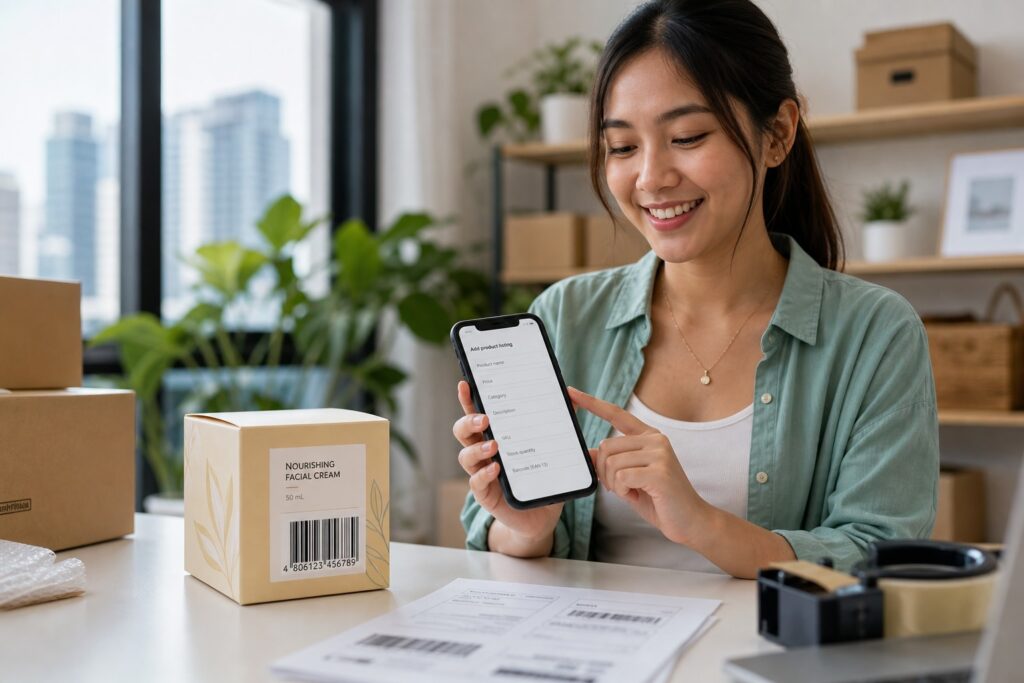
Shopee vs Lazada barcode requirements at a glance
| Requirement | Shopee (Typical Product Listing) | Lazada (Typical Product Listing) |
|---|---|---|
| When a GTIN is needed |
Highly encouraged for standard listings to maximize visibility. It is structurally optional for unbranded items, but critical for brand protection, catalog matching, and synching with Google Shopping or Facebook Ads.
Reference: Shopee PH Seller Hub: Product Visibility with GTIN |
Often expected for standard product listings across established brand categories. Used primarily for catalog structure verification, counterfeit control, and external marketplace marketing campaigns.
Reference: Lazada PH Seller Center |
| Format | EAN-13 (13 digits) is the core retail barcode standard used for local Philippine commercial products. Databases also recognize global variations such as 12 digit UPC formats. | EAN-13 (13 digits) is the default retail format required for local consumer goods. |
| Where you enter it |
Input within the dedicated identifier text box found under:
Seller Centre > My Products > Product Details > GTIN
|
Input within the specific identifier area found under:
Seller Center > Add/Edit Product > Product Details > Product Identifier / GTIN
|
| Packaging | Must correspond to a real, valid physical barcode printed directly on your item packaging or sticker labels. Simply typing placeholder numbers will trigger formatting errors during backend syncing. | The registered numeric code must precisely match a physical scannable asset on the item stock. This setup ensures seamless scanning processing during warehouse receiving and cross-border transport tracking. |
Category rules change — always check the latest seller help for your category. See our retailer and marketplace acceptance page for background on GTIN use in the Philippines.
Step-by-step: get a barcode and list your product
- Buy a unique GTIN. Choose an EAN and UPC barcode package for Philippine sellers — one barcode for each unique product or variation.
- Download your files. You receive high-resolution PNG, PDF, and SVG barcode images by email within minutes.
- Print on packaging. Apply the barcode to your product or label so it scans at checkout and fulfilment.
- Add to your listing. In Shopee or Lazada Seller Centre, enter the GTIN in the product identifier field when creating or editing the listing.
- Publish and keep records. Store your certificate and barcode files — use the same GTIN if you expand to other channels (stores, supermarkets etc.).
Do I need GS1 membership for Shopee or Lazada?
Not necessarily. Many Philippine sellers buy GTINs outright with a one-time fee instead of joining a membership organisation. The right choice depends on volume and how you plan to assign numbers long term. Read our full comparison on what GS1 membership involves vs buying barcodes outright.
Common questions for marketplace sellers
Ready to list on Shopee or Lazada? Our EAN and UPC packages include instant email delivery and barcode images for your packaging.